
Respect my work! or BTC: 1MTFbBSKrocPK7G6GKfG8RoTw5N57WnnNa  If you have paid donate send me e-mail with Your data or transaction number to receive an access code to articles with limited access. |
PmWiki /
Change user passwordIn order to change user's password you need to navigate to Administration->User list, select user from list and click edit with password change:  Executing above steps will show window below: 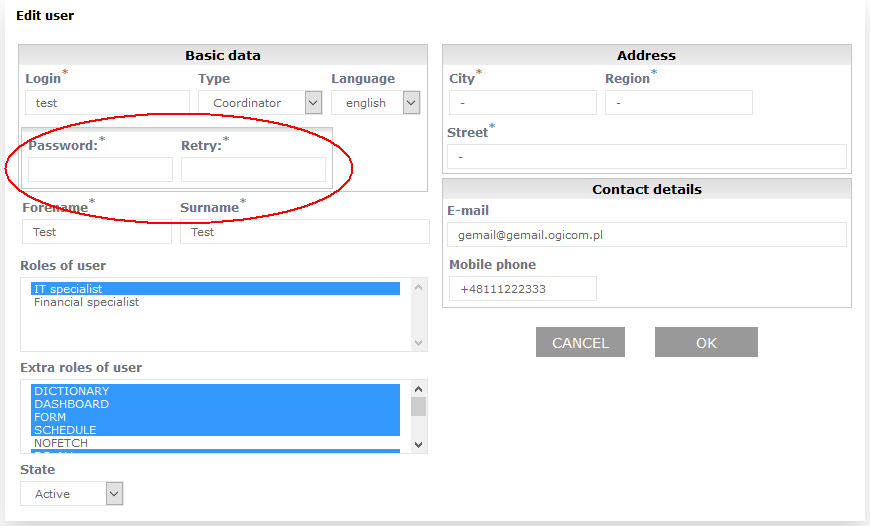 In fields Password and Repeat you need to input new password. Field Repeat is used to verify entered password. This page may have a more recent version on pmwiki.org: PmWiki:UserChangePasswd, and a talk page: PmWiki:UserChangePasswd-Talk. |