
Respect my work! or BTC: 1MTFbBSKrocPK7G6GKfG8RoTw5N57WnnNa  If you have paid donate send me e-mail with Your data or transaction number to receive an access code to articles with limited access. |
PmWiki /
Example of Internal TXT reportDownload fileTEST.prs, if you to import We want to create simple report that basing on internal database of ProReports system will generate *.txt file in following format: <user_type>;<type_destription> <login>;<name> <surname>;<city> In example we present how to handle associate tables and we show single-level element nesting. In first step we have to register report using prepared earlier form LOGIN: 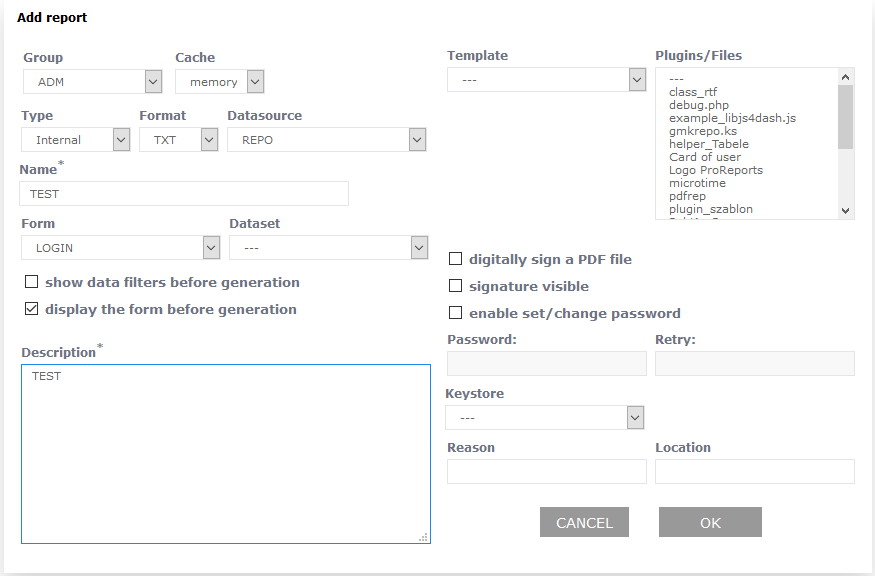 Next we register elements of a report:
Registered elements are displayed on list according to hierarchy: 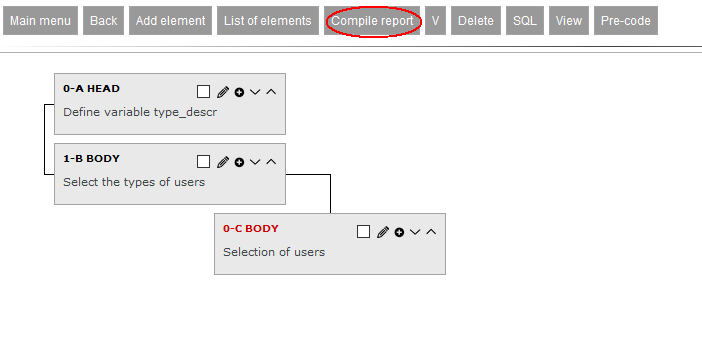 After compiling a report we can run by by choosing from menu option Execute: 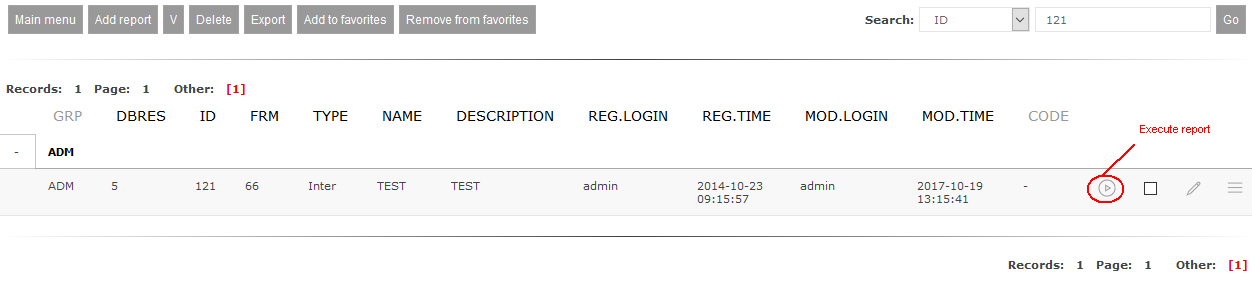 Before actuall generation form linked with report will be shown: 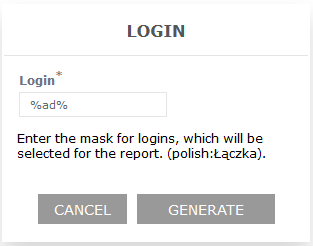 Using button Generate starts process of report generation with a result of output file on *.txt format: A;Administrator admin;admin admin;- K;Coordinator test;Test Test;- M;Manager test1;Test1 Test1;- U;User user;User Test;Warszawa This page may have a more recent version on pmwiki.org: PmWiki:RepInternalTXT, and a talk page: PmWiki:RepInternalTXT-Talk. |