
Respect my work! or BTC: 1MTFbBSKrocPK7G6GKfG8RoTw5N57WnnNa  If you have paid donate send me e-mail with Your data or transaction number to receive an access code to articles with limited access. |
PmWiki /
Adding a fileSome reports use additional files, e.g.:
Because of that ProReports system has been equipped in option to import mentioned files. It can be found here: Resources->Add file or by pressing button Add file in option Resources->File list:  Choosing one of two mentioned option will bring up form used to import file, where you need to enter:
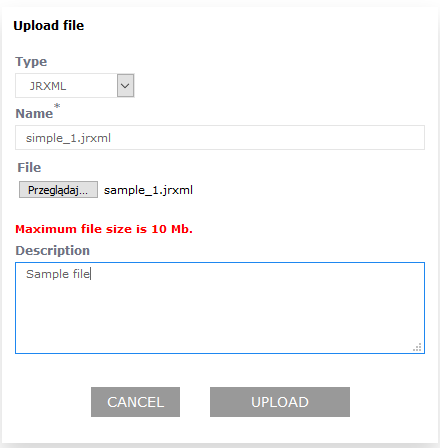 Correct import (after clicking Import) is indicated by following message: 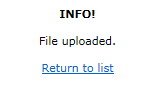 This page may have a more recent version on pmwiki.org: PmWiki:AddFileRej, and a talk page: PmWiki:AddFileRej-Talk. |